Reshenie DataStone consumer setup
This manual is for consumers who receive a DataStone appliance that has already been installed and prepared by Reshenie.
Reshenie handles the Debian package installation, service startup, and temporary account creation before delivery. Your setup work is limited to:
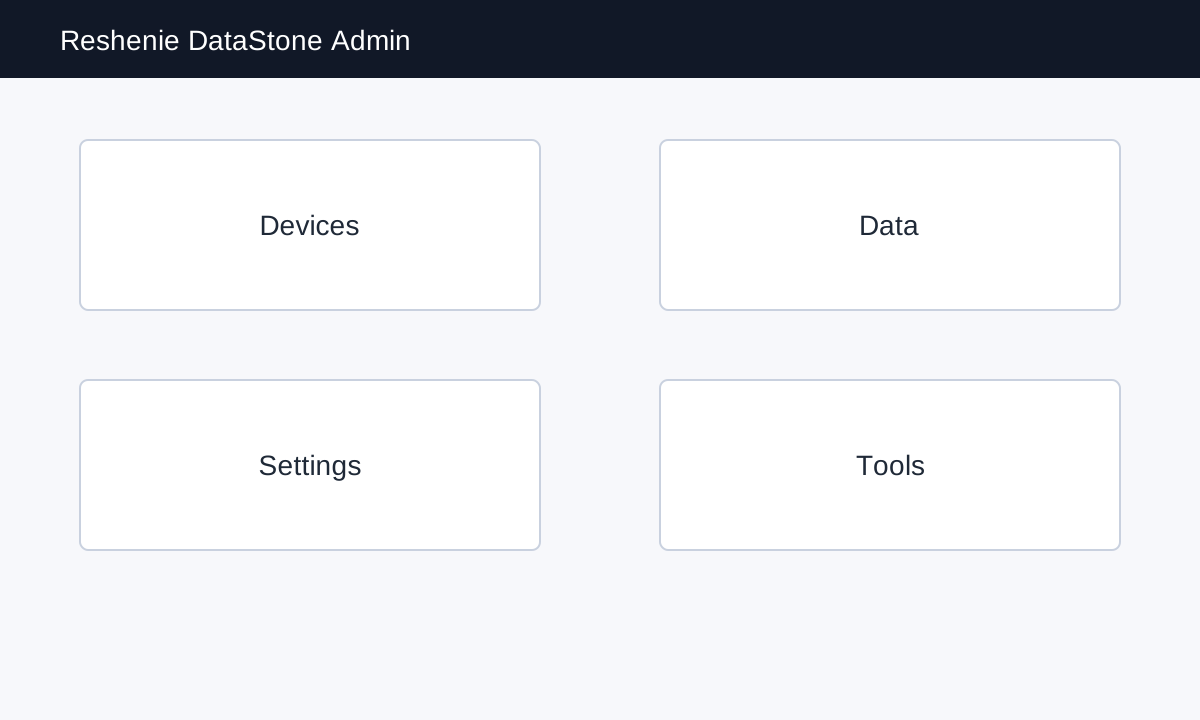
- opening the DataStone Admin UI,
- connecting the appliance to the local network,
- changing the temporary password,
- configuring the license file when Reshenie sends one separately,
- connecting Hamachi when remote access is required,
- adding Devices,
- adding Data streams for the values you want to collect,
- adding VNC and V4L2 streaming sources when your deployment uses them,
- verifying that values are being collected.
What you receive
Reshenie sends the initial connection details by email. Keep that email available during setup.
| Item | Example | Notes |
|---|---|---|
| DataStone URL | http://192.168.0.50:8000/admin/ | Use the URL or IP address provided by Reshenie. |
| Network settings | DHCP or static IP details | Only needed when the appliance must be connected to a new site network. |
| Temporary username | admin | Change the password after first login. |
| Temporary password | provided by email | Do not forward this password to other users. |
| License file | .json activation lease | Only needed when Reshenie asks you to import a license file. |
| Hamachi network details | network ID and password | Only needed when Reshenie instructs you to connect through Hamachi. |
| Support contact | provided by Reshenie | Use this if device communication fails after setup. |
Setup order
- Connect the appliance to the local network if it is not already reachable.
- Log in to the Admin UI with the temporary account.
- Change the temporary password.
- Configure the license file if Reshenie provided one or asked for an activation request.
- Join Hamachi if remote access is required.
- Create one Device per PLC, OPC-UA server, Modbus endpoint, SMB server, camera, or streaming source.
- Create Data streams for the tags, registers, or files you want DataStone to collect.
- Configure VNC or V4L2 streaming sources if your deployment uses them.
- Confirm recent values or streams appear.
Common Admin pages
| Task | Admin page |
|---|---|
| Add or edit devices | /admin/core/device/ |
| Add or edit data streams | /admin/core/data/ |
| Manage groups | /admin/core/datagroup/ |
| Configure license | /admin/license-settings/ |
| Join/check Hamachi | /admin/hamachi/ |
Supported device protocols
The Admin UI supports several protocol choices. This manual focuses on consumer setup for the common device protocols:
- OPC-UA
- FEnet
- MELSEC
- Modbus TCP
- Modbus RTU
- SMB
- VNC
- V4L2
Other protocol choices may appear in the UI for specific deployments. Only configure those when Reshenie has provided device-specific instructions.